
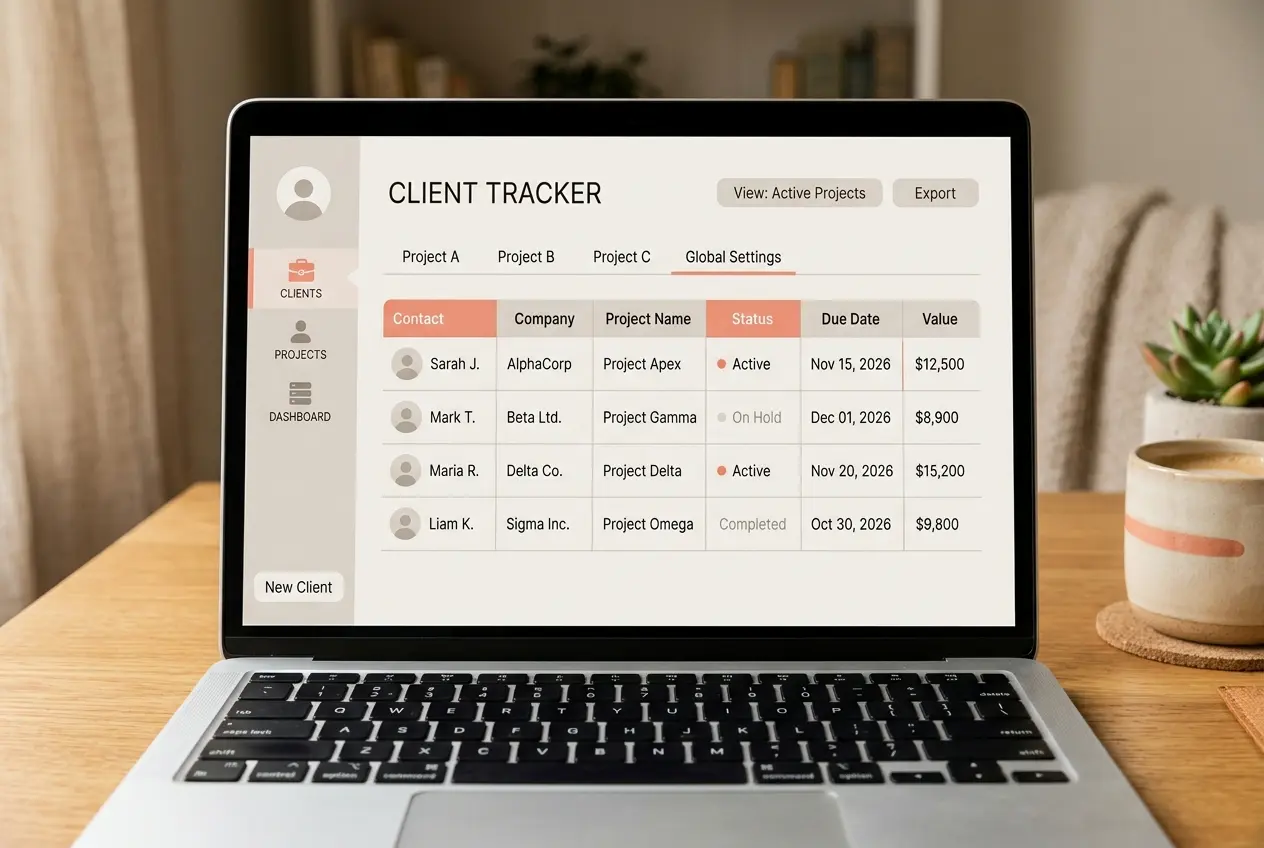
Best CRM for Freelancers in 2026 — 6 Tools Tested, One Nudge
Most CRM reviews are written for sales teams, not for someone juggling client work solo. For this best CRM for freelancers roundup, we tested six tools specifically from a freelancer’s perspective — one person, a handful of active clients, and no patience for enterprise-level setup.
Quick Pick:
- Best overall for freelancers: Notion CRM — NudgeScore 7.8/10
- Best free option: HubSpot free plan — NudgeScore 7.2/10
- Best for pure sales tracking: Pipedrive — NudgeScore 7.5/10
How We Tested These Tools
Each tool was set up from scratch as a solo user would, tracking a small handful of real client relationships over the same two-week period. We scored each on ease of setup, whether it felt bloated for one person, pricing relative to a freelancer’s budget, and how quickly it became useful without a learning curve.
The 6 Best CRMs for Freelancers, Ranked
1. Notion CRM — NudgeScore: 7.8/10
Notion isn’t a dedicated CRM, but its database and template system builds a lightweight one quickly. For a freelancer already using Notion for notes or project tracking, adding a client database took under twenty minutes and slotted directly into an existing workspace.
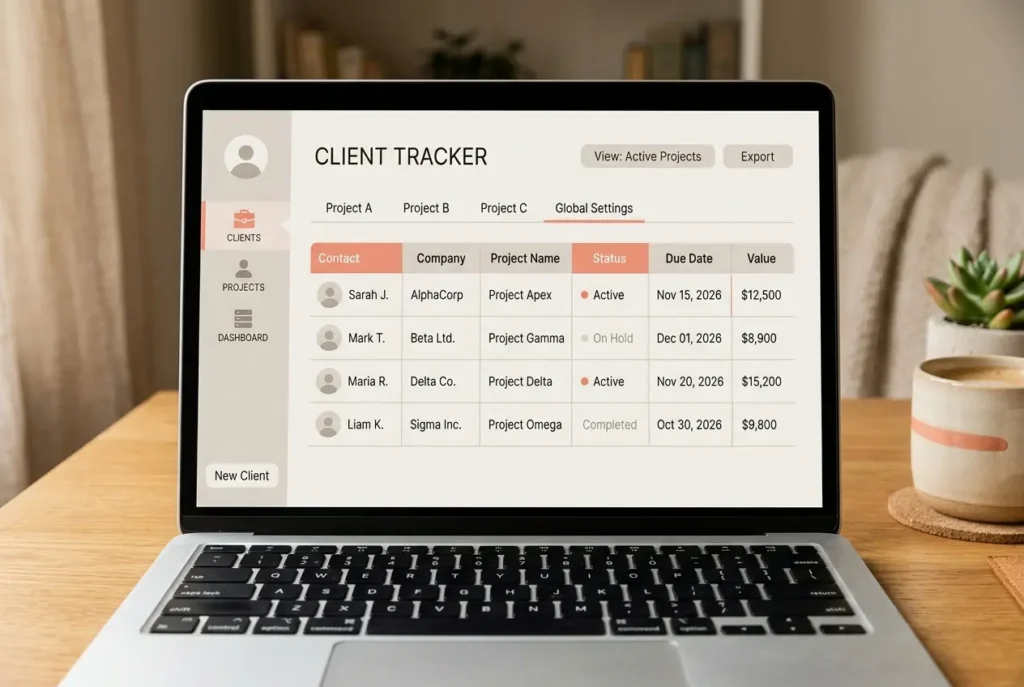
The tradeoff is that Notion requires more manual setup than a purpose-built CRM — there’s no automation for follow-up reminders unless it’s built manually, and email tracking isn’t native.
2. Pipedrive — NudgeScore: 7.5/10
Pipedrive’s pipeline-first design works well for a freelancer tracking proposals and ongoing projects as “deals” moving through stages. Setup was fast and the mobile app made checking client status easy between meetings.
The downside for a solo user is cost relative to features used — much of Pipedrive’s automation and reporting depth goes unused by someone managing a handful of clients rather than a sales team’s full pipeline.
3. HubSpot (Free Plan) — NudgeScore: 7.2/10
HubSpot’s free CRM covers the basics a freelancer actually needs: contact records, simple deal tracking, and email tracking, all at no cost. It’s a reasonable starting point precisely because it costs nothing while a freelancer’s client list is still small.
The ceiling is low, though — the same free-plan limitations that frustrate growing teams (one pipeline, no real automation) apply just as much to a solo user who eventually wants more structure.
4. Folk CRM — NudgeScore: 7.0/10
Folk is built with a lighter, more personal feel than traditional sales CRMs, and its contact-relationship focus fits freelance client management reasonably well. Import from existing contact lists was quick, and the interface avoided the clutter of larger platforms.
Folk is a newer, smaller product than the others on this list, so its integration library and long-term feature roadmap are less established.
5. Zoho CRM (Free Plan) — NudgeScore: 6.8/10
Zoho’s free tier includes more seats and features than most competitors’ free plans, which sounds generous but often translates into a busier interface than a solo freelancer needs. Setup took longer than the other tools tested here, mostly navigating settings meant for larger teams.
For a freelancer who wants some of the automation depth of a full CRM without paying, Zoho’s free plan is worth a look despite the steeper learning curve.
6. Freshsales — NudgeScore: 6.5/10
Freshsales covers standard CRM functions competently but didn’t stand out in any specific area during testing. It’s a reasonable option if a freelancer is already using other Freshworks products and wants things to live in one ecosystem, but there’s little reason to choose it over the other tools here otherwise.
Which Is the Best CRM for Freelancers Overall?
If you already live inside Notion for other work, Notion CRM is the lowest-friction option and doubles as your existing workspace. If you want something purpose-built for tracking proposals and deals without adopting a whole new tool for notes and docs, Pipedrive fits that need well, even if some of its depth goes unused. If budget is the only real constraint, HubSpot’s free plan is a legitimate starting point that costs nothing while your client list is still small.
Our full HubSpot CRM review and Pipedrive review cover both tools in more depth if either one looks like the right fit after this roundup.
Frequently Asked Questions
Do freelancers really need a CRM, or is a spreadsheet enough?
A spreadsheet works fine for a handful of clients with simple needs. A CRM starts to pay off once follow-up reminders, email tracking, or proposal stages become hard to track manually across a growing client list.
Is Notion CRM actually free to use?
Notion’s free plan covers personal use, including building a simple CRM database, though team features and larger storage needs typically require a paid Notion plan.
Which of these tools is easiest to set up in under an hour?
Pipedrive and HubSpot’s free plan were both usable with real client data within an hour during testing, since neither requires much configuration before basic tracking works.
Can I switch between these tools later without losing my client data?
Most of these tools support CSV export and import, which covers basic contact and deal data. More customized fields or notes may need manual re-entry when switching between tools.
Is a paid CRM ever worth it for a solo freelancer?
It depends on client volume and complexity. A freelancer managing a few long-term clients may never need to pay, while one juggling many short-term projects at once often benefits from paid automation features.
Do any of these tools integrate with invoicing software?
Several, including HubSpot and Pipedrive, integrate with common invoicing and payment tools through native connections or Zapier. Notion and Folk generally require a manual workflow or a third-party connector for invoicing.
Affiliate Disclosure: SaasNudge may earn a commission if you purchase through links on this page. We only recommend tools we’ve personally tested on paid accounts.