HubSpot CRM Review: Is the Price Jump to Sales Hub Worth It?
HubSpot CRM is free to use, but the moment a growing sales team needs automation, custom reporting, or more than one pipeline, the cost jumps sharply. We ran the free CRM alongside a paid Sales Hub Professional account for three weeks, tracking real deals and real follow-ups, to see exactly where that jump happens and whether it’s justified.
NudgeScore: 8.0/10
- Ease of Use: 8.0/10
- Value for Money: 6.5/10
- Feature Depth: 9.0/10
- Support Quality: 7.5/10
- Integrations: 9.0/10
Verdict up front: worth it if your team is already growing past the free plan’s limits and can absorb Professional-tier pricing. Not worth it yet if you’re a solo founder or a very small team — the free plan will carry you further than you’d expect.
What Is HubSpot CRM?
HubSpot CRM is the free core of a larger sales, marketing, and service platform. On its own, it covers contact records, deal pipelines, email tracking, and basic task reminders at no cost. The free version works as an entry point into HubSpot’s paid tiers, sold separately as Sales Hub, Marketing Hub, and Service Hub.
For this review, we tested the CRM alongside Sales Hub Professional, since that combination is the most common upgrade path once a team outgrows the free plan.
HubSpot CRM Pricing: What You’re Actually Paying For
What the Free Plan Includes (and Where It Stops)
The free plan is a reasonable starting point for a solo founder or a two-person team. It includes:
- Contact and company records with basic activity history
- One deal pipeline
- Email tracking and simple email templates
- Basic reporting dashboards
The limitations show up quickly once a team grows: no workflow automation beyond simple rules, only one pipeline, sending limits that restrict outbound volume, and HubSpot branding on forms and emails sent through the free tools.
Paid Plan Tiers
Pricing tiers and exact figures change over time, so treat this as general guidance rather than a fixed quote — check HubSpot’s own pricing page before budgeting.
| Plan | Who It Suits | What You Gain Over Free |
|---|---|---|
| Starter | Small teams needing basic automation | Simple automation, no HubSpot branding, more pipelines |
| Professional | Growing sales teams | Sequences, custom reporting, forecasting, deal automation |
| Enterprise | Larger organizations | Advanced permissions, custom objects, deeper reporting controls |
The jump from Starter to Professional is the one that catches most teams off guard. Sequences, custom reporting, and forecasting are bundled together at the Professional level, so needing even one of those features means paying for the full set. Most paid plans also carry a separate onboarding fee that isn’t always obvious on the pricing page.
Key Features We Tested
Deal Pipeline Management
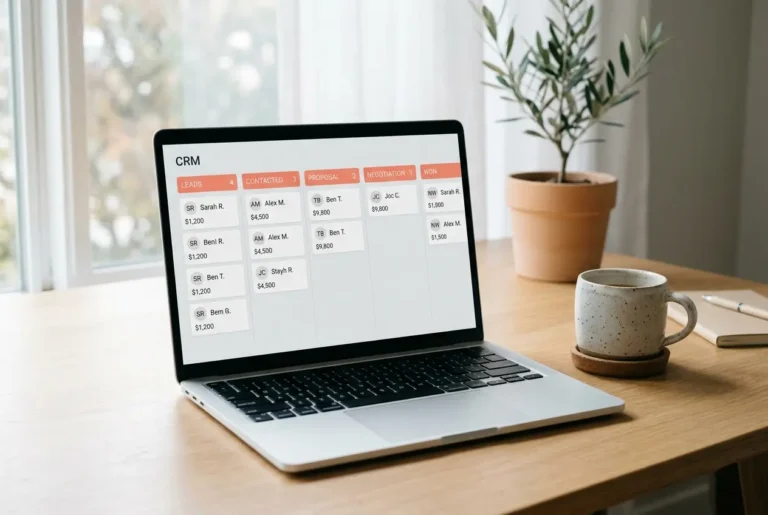
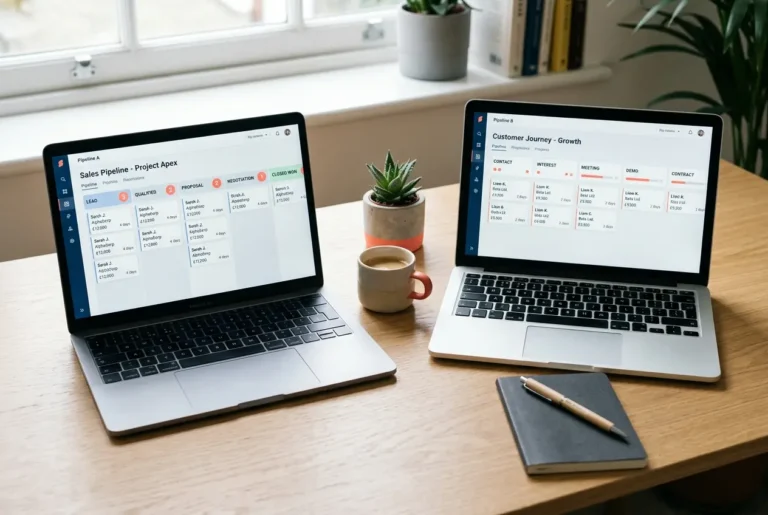
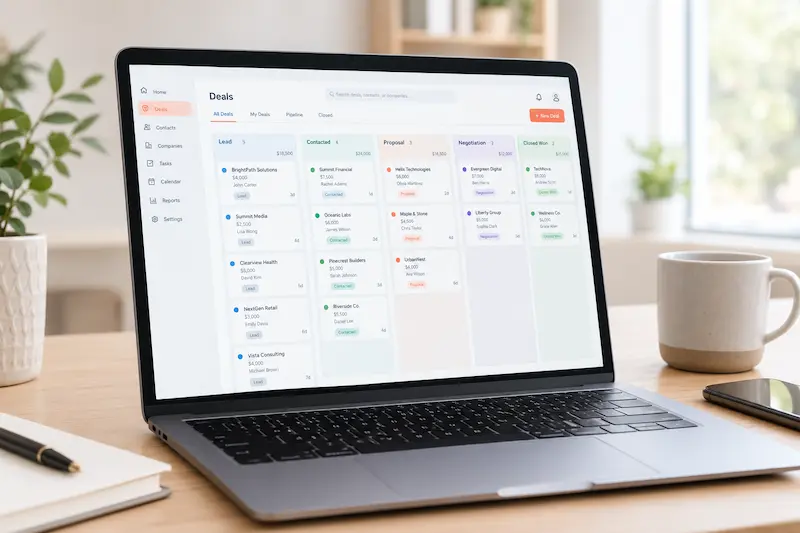
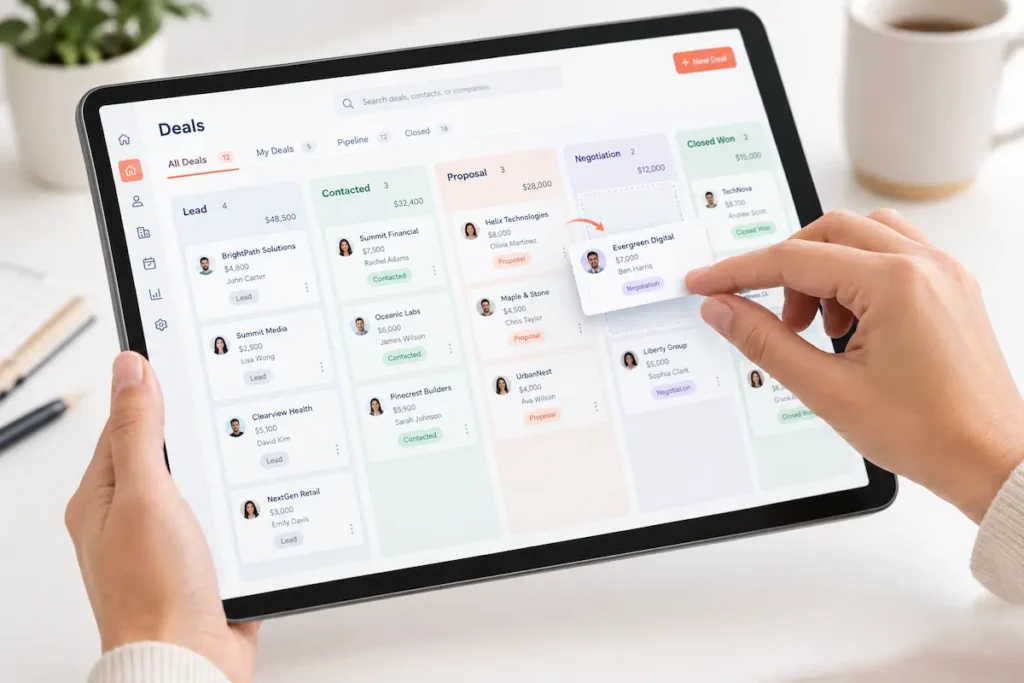
The drag-and-drop pipeline is the strongest part of the product. Moving a deal from one stage to another took a single click, and the automations attached to those stage changes — creating a follow-up task, notifying a teammate — fired consistently throughout the three-week test.
Email Sequences and Tracking
Open and click tracking worked reliably. Building a four-step follow-up sequence took about ten minutes once templates were set up. On lower-tier plans, sequence enrollment limits can be restrictive — we had to re-queue some contacts manually partway through a busy week.
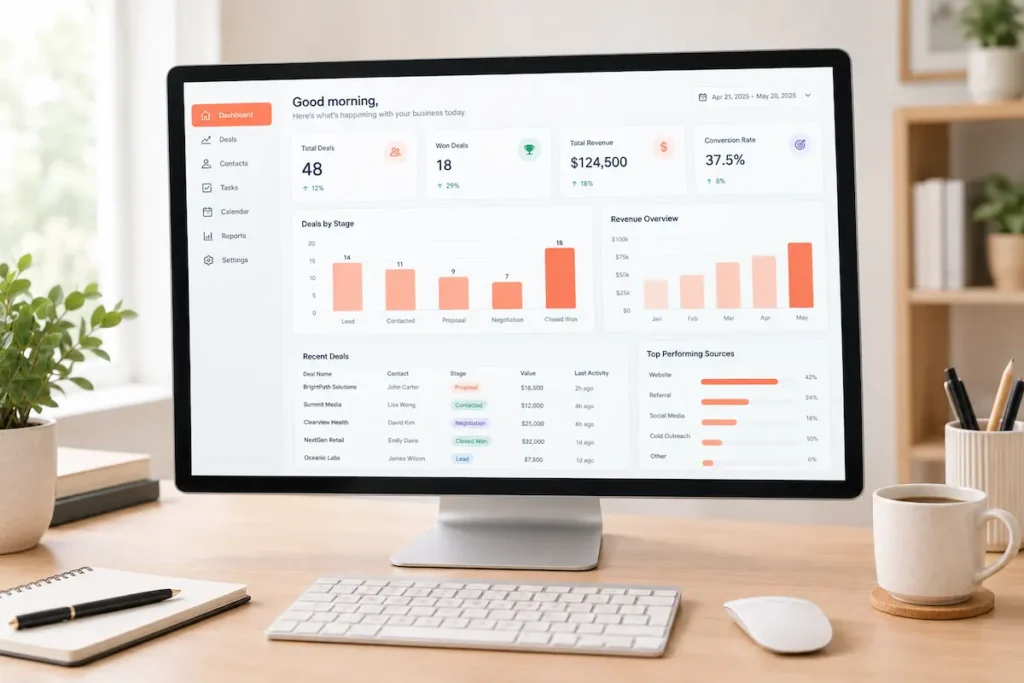
Reporting and Dashboards
Custom reports are capable but not intuitive at first. Finding the right settings and building a dashboard from scratch took a couple of sessions of trial and error. Once built, the dashboards present data clearly enough to share directly in a team meeting without extra formatting.
What Worked Well
- The interface is approachable for people who have never used a CRM before
- Gmail and Outlook integrations connected within minutes, no support request needed
- The mobile app covers core functions well enough for checking deals on the go
- The free tier is genuinely usable for testing whether the workflow fits before paying anything
What Didn’t Work Well
- A support ticket submitted during testing took several hours for a first response — slower than the always-available tone of the marketing pages suggests
- The separate onboarding fee adds cost on top of an already premium-priced plan
- Custom properties get disorganized quickly when more than one person sets them up without documentation
- Downgrading a plan removes paid features immediately, mid-billing-cycle, rather than at the end of the current term
HubSpot CRM Alternatives Worth Considering
If sales-team functionality without the marketing bloat is the priority, Pipedrive is worth comparing — we cover that matchup in our HubSpot vs Pipedrive breakdown. If budget is the real constraint, our HubSpot alternatives roundup covers tools that do most of what HubSpot does for less.
Who HubSpot CRM Is Actually For
HubSpot CRM makes the most sense for a growing team that expects to need automation, reporting, and forecasting within the next year, and wants a system that scales with that growth instead of requiring a switch later. A solo founder or a very small team is usually better served staying on the free plan until the limitations become a real bottleneck, rather than jumping to a paid tier before it’s needed.
HubSpot CRM Review Verdict: Should You Use It?
Buy it if you’re a growing team that can absorb Professional-tier pricing and want a platform that scales with you for years, not months. Skip it if you’re a solo operator or a 2-3 person team — the free plan will carry you further than you’d expect, and jumping straight to Professional is money you don’t need to spend yet.
Final NudgeScore: 8.0/10 — a strong product with a pricing curve you need to plan for, not get surprised by.
Frequently Asked Questions
Is HubSpot CRM actually free, or is that just a trial?
The core CRM tools are free permanently, not a time-limited trial. The free plan has functional limits rather than a countdown, and it stays usable indefinitely for basic contact and deal tracking.
Do I need Sales Hub to use HubSpot CRM effectively?
No. The free CRM works on its own for basic pipeline and contact management. Sales Hub becomes relevant once a team needs automation, sequences, or custom reporting beyond the free tier’s limits.
Can I import contacts from another CRM into HubSpot?
Yes. HubSpot supports importing contacts and companies through CSV files or direct integrations with several other CRM and spreadsheet tools, and the import process includes field-mapping so existing data lines up correctly.
What happens to my data if I downgrade or cancel a paid plan?
Contact and deal records generally remain accessible, but features tied to the paid plan — sequences, custom reports — stop working right away once the downgrade takes effect, rather than at the end of the billing period.
Is HubSpot CRM good for a non-sales use case, like customer support tracking?
It can work for lightweight support tracking, but it isn’t built primarily for that. Teams whose main need is support ticketing are usually better served by HubSpot’s separate Service Hub or a dedicated support tool.
How long does it take to set up HubSpot CRM for a small team?
Basic setup — importing contacts, creating a first pipeline — can be done in under a day. Configuring custom properties, automations, and reporting to match a specific sales process takes longer, and that’s where most of the learning curve sits.
Affiliate Disclosure: SaasNudge may earn a commission if you purchase through links on this page. We only recommend tools we’ve personally tested on paid accounts.